Demand and supply planning in one platform
Every Planster capability in one place: the forecast, the purchasing and raw-material planning built on it, scenario planning, and the daily checks that turn the plan into decisions. 17 capabilities, one plan.
Built for $50–500M consumable CPG brands, manufacturers and co-manufacturers — food, beverage, supplements, beauty and household goods.
The forecast and the plan built on it
One forecast across every channel, netted against what is on hand, on order, and already committed. Purchasing, raw materials and scenarios all plan from it.
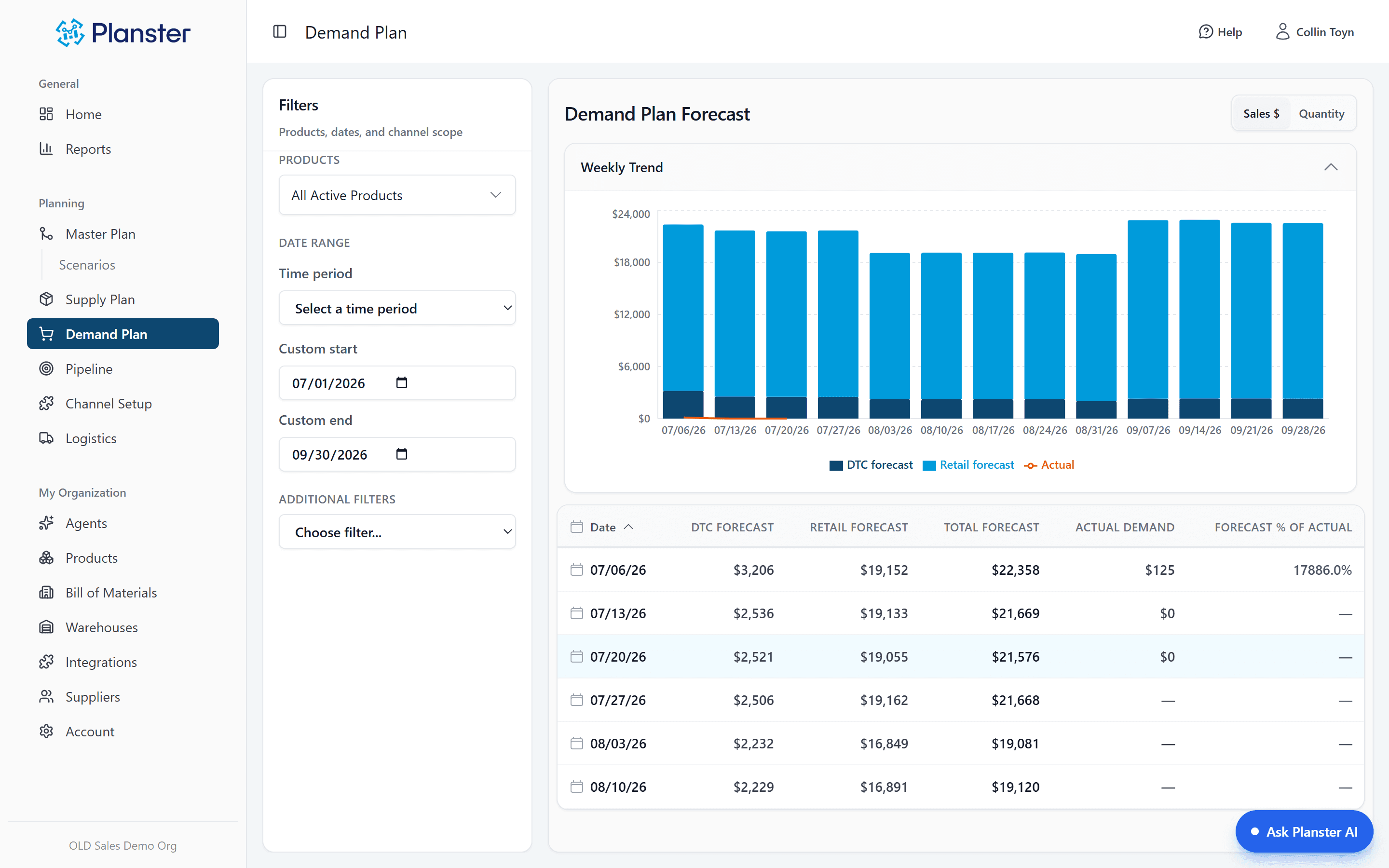
Demand forecasting
Prophet, ETS, SARIMA and linear regression, tested against each SKU’s own history. Planster keeps the best fit and re-tests when the pattern changes. Seasonality is detected per product, and stockout weeks are excluded so they don’t pull the forecast down.
Explore Demand forecastingExceptions
Set a tolerance per SKU. Planster tells you when one runs outside it, and by how much — while there’s still lead time to act.
Explore ExceptionsEvery number has a name on it
Edit any forecast cell by hand. Every cell records who set it, when, and whether a person or the system did, so every number in the plan can be traced.
Explore Provenance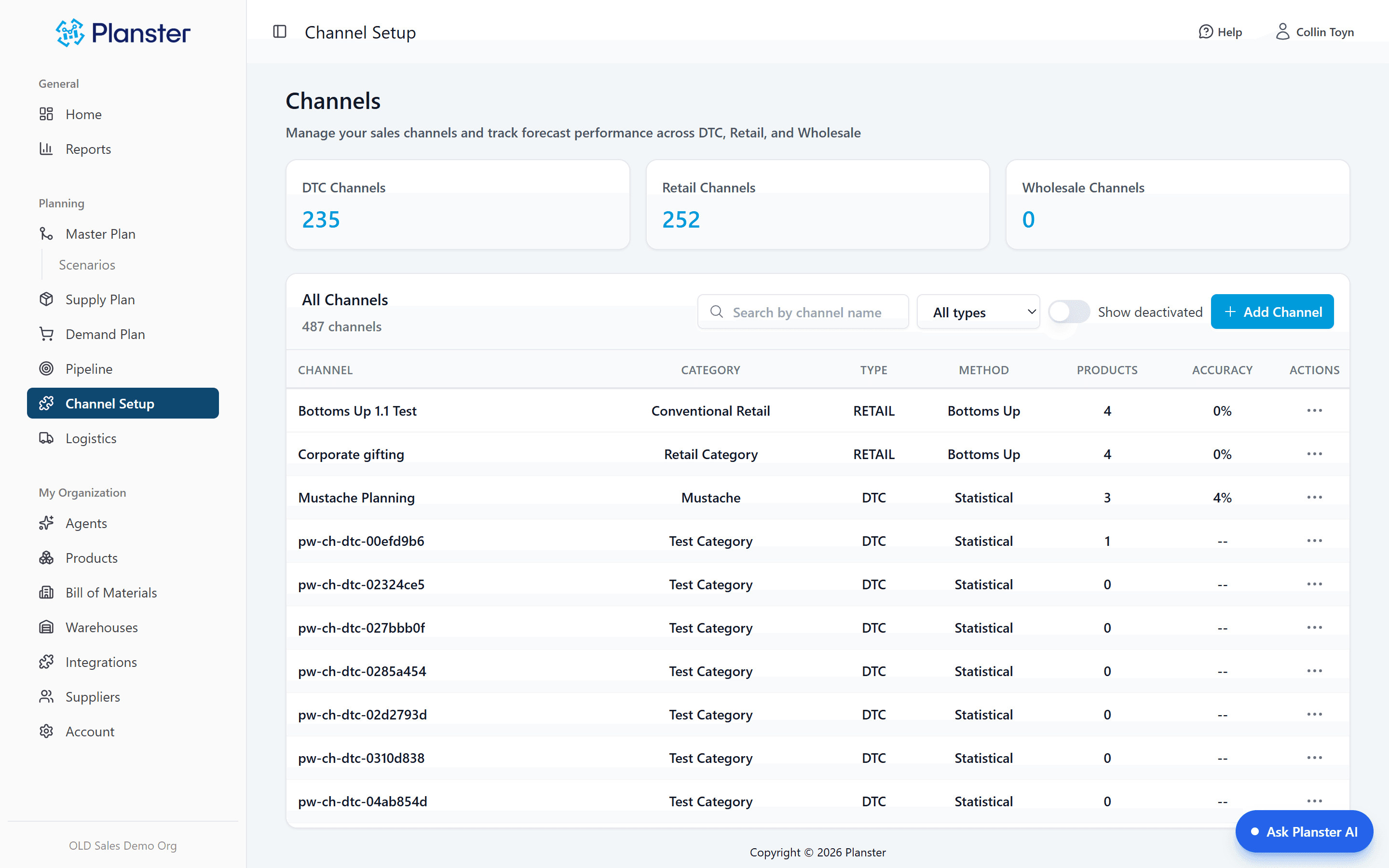
Multi-channel and multi-warehouse
DTC, Amazon, retail, and wholesale planned separately, then combined. Unlimited warehouses and 3PLs from one view, with demand split per warehouse — so you know what to order and where to send it.
Explore Multi-channel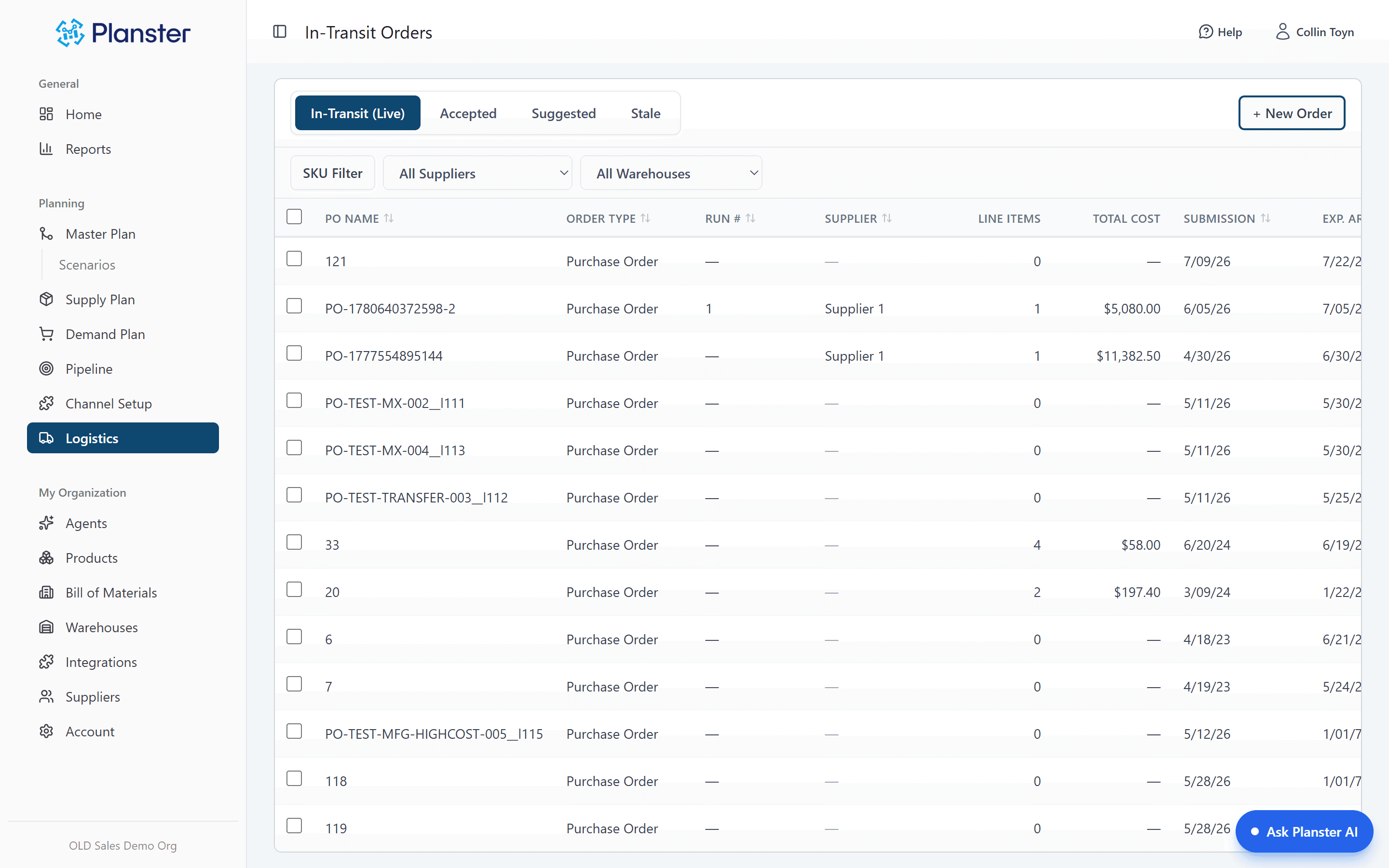
Reorder recommendations
Reorder points and quantities calculated per SKU from its forecast, its lead time and the safety stock you set. Safety stock is days of cover, turned into units from the forecast for the weeks ahead, so the buffer grows into a peak and shrinks after it. Lead times, MOQs, and container quantities applied to the timing. Inventory position is on hand, plus on order, minus committed. Overstock is flagged before it ties up more cash.
Explore Reorder recommendationsRetail planning
Doors × facings × velocity, tracked per retailer. Each one a real record — door count, rolling velocity, products carried, your contact. Per-store and last-year numbers sit alongside, so you can tell real growth from more doors.
Explore Retail planning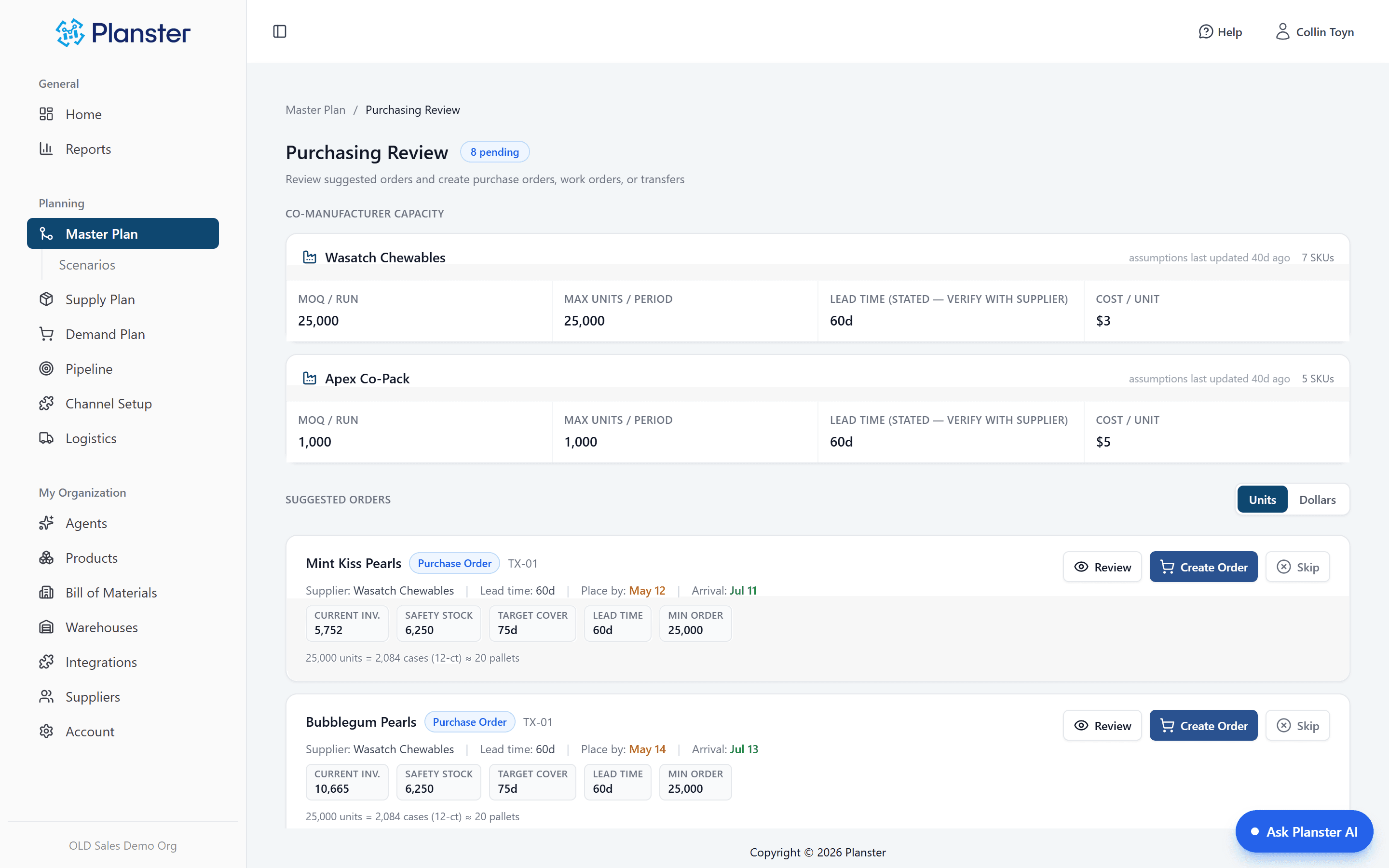
Purchase orders
Edit quantities, place purchase orders from Planster, and track inbound shipments by status all the way through delivery.
Explore Purchase ordersPromotions
Build a promotion as its own object — dates, the SKUs and warehouses it covers, the lift. It enters demand as a promotion, not a number someone typed into a cell.
Explore PromotionsSuppliers
Who they are, who you talk to, and the terms that govern ordering. Change a lead time from six weeks to nine and every order date that depends on it moves.
Explore SuppliersYour own numbers
A launch with no history, a line you’re discontinuing, a number the board already committed to. Set it by hand and keep it next to the forecast to see where the two disagree.
Explore Your own numbers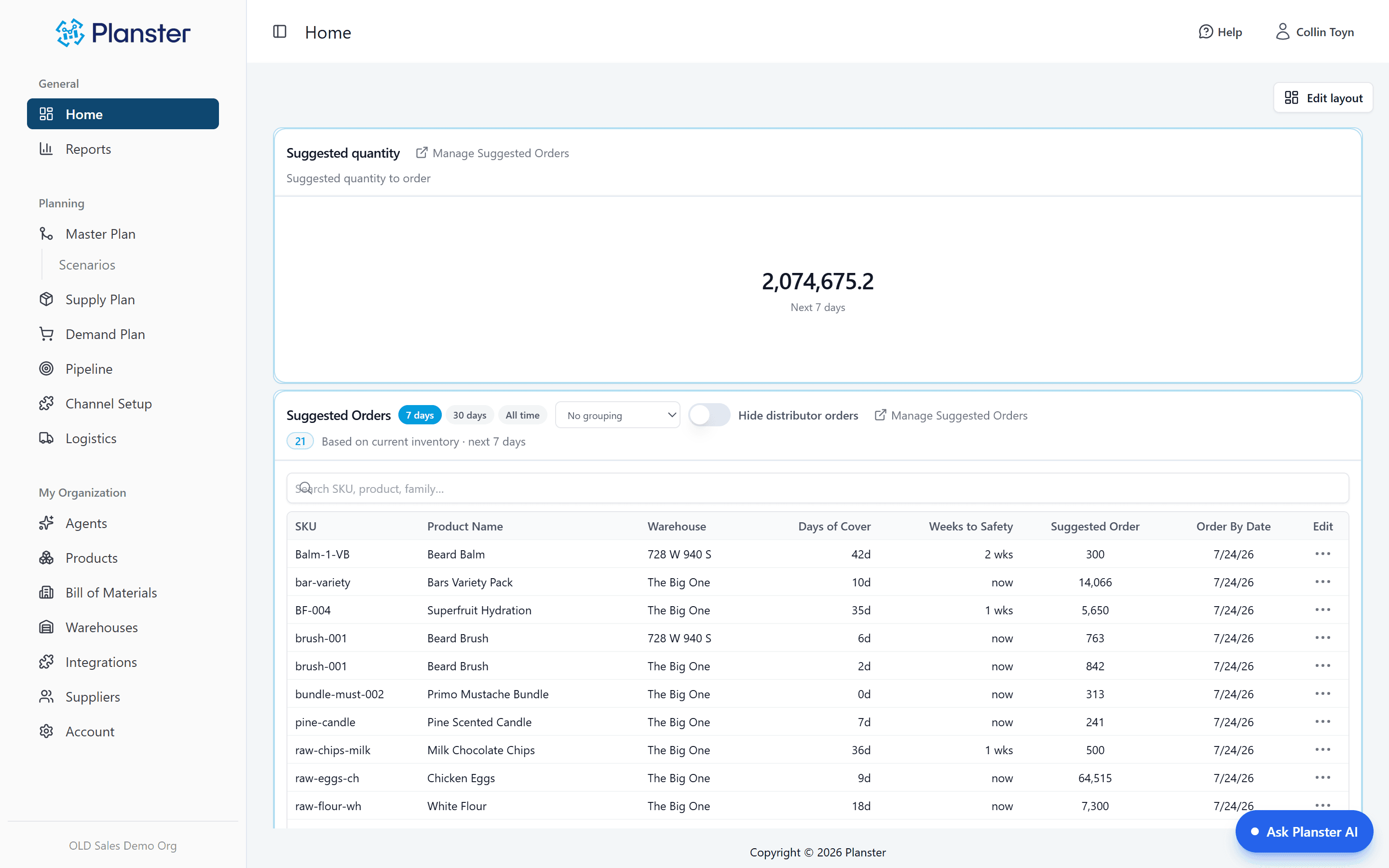
S&OP dashboard
Orders due this week, forecast exceptions, incoming shipments, overdue orders. Sales and operations read the same plan instead of arguing from two spreadsheets.
Explore S&OP dashboardBase plan and live plan
Keep a base plan alongside the live one actually driving orders, and see how far the working plan has moved.
Explore Base vs live plan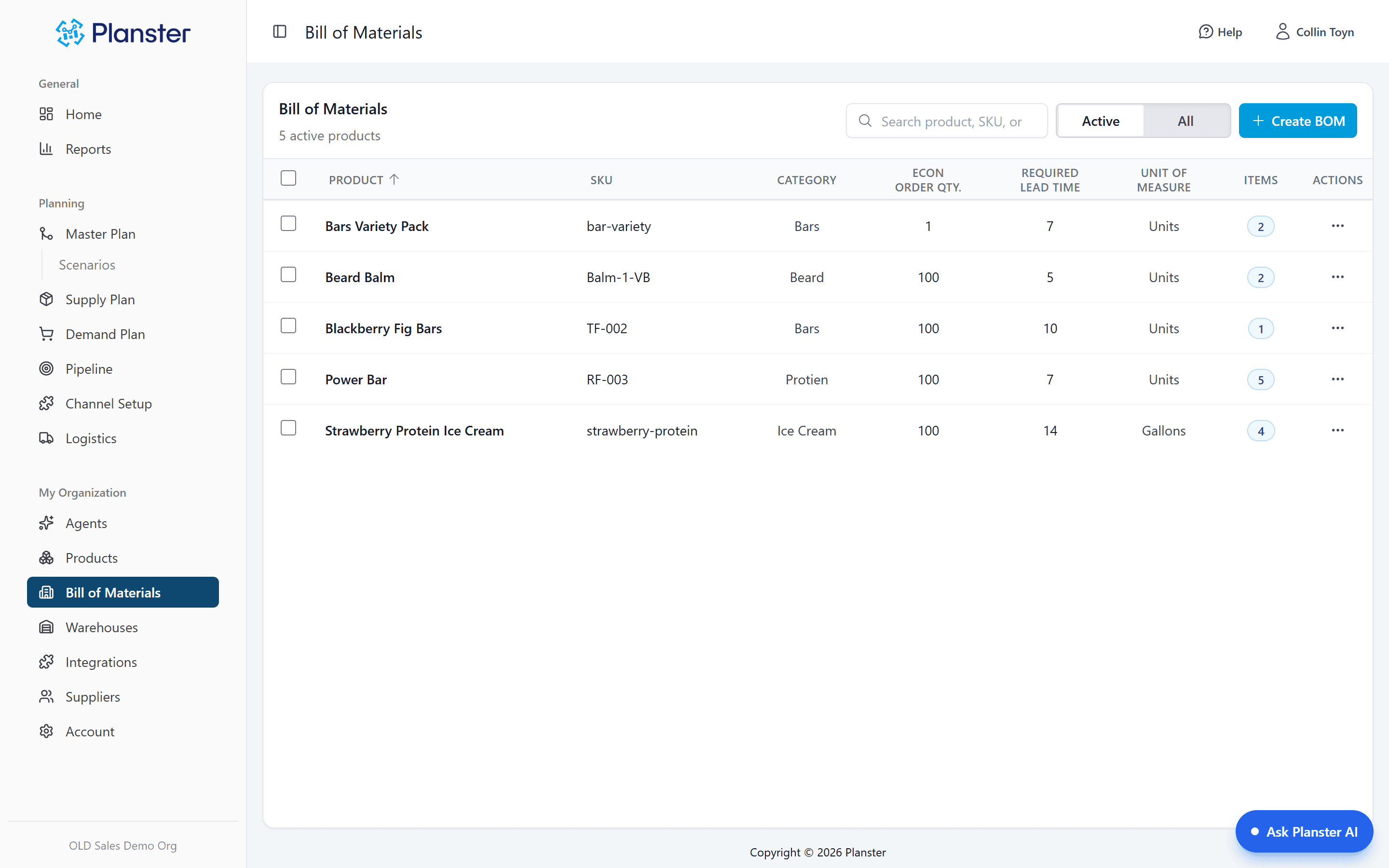
BOM and kitting
See which production runs are coming and what each consumes. Shared raw materials are planned in one place, so a shortfall on a component used by three SKUs shows up before the run.
Explore BOM and kitting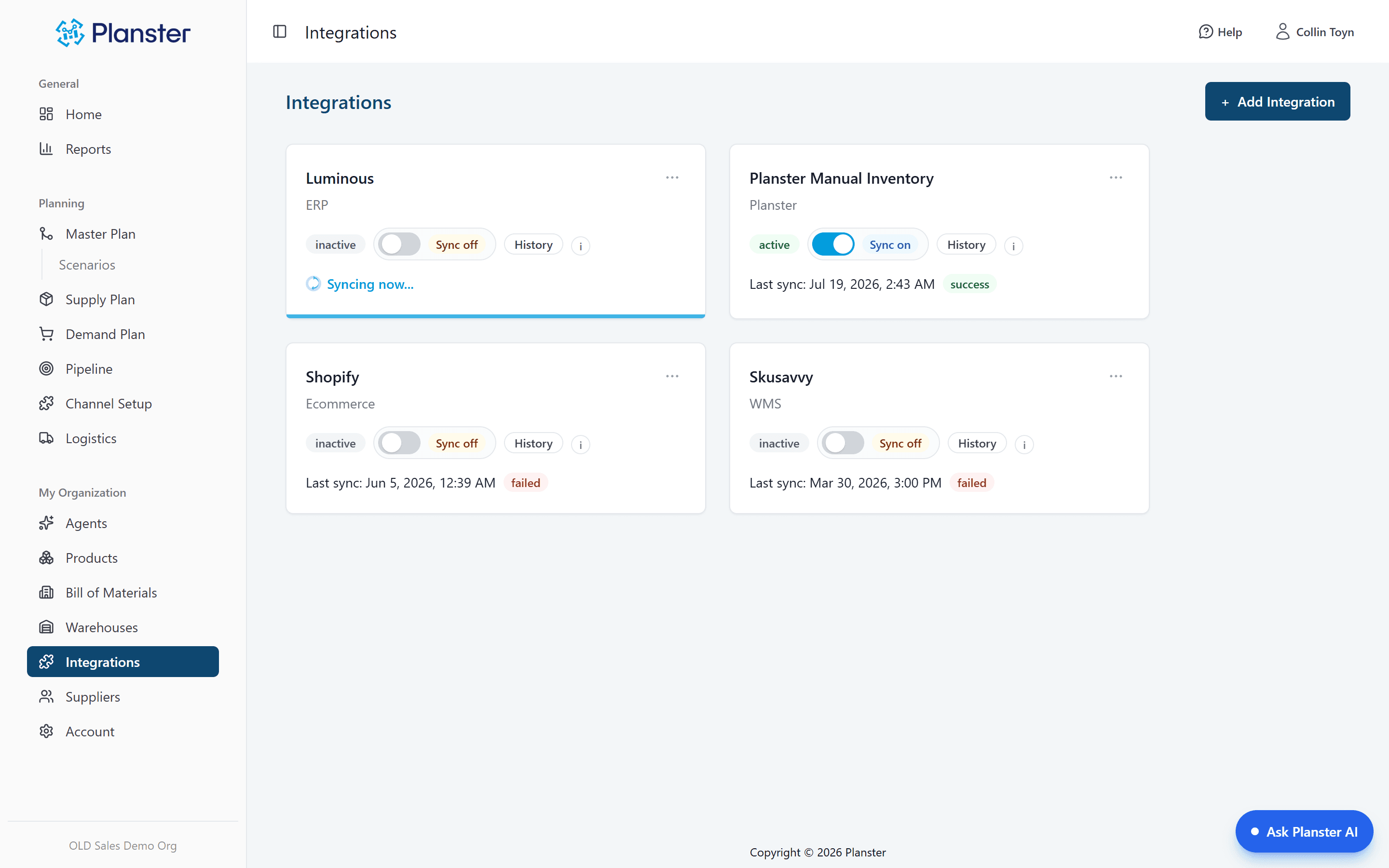
Data in and out
Warehouse data at 11pm, cart data at 7pm, forecasts at 7am. Export all DTC demand, all retail demand, or one retailer at a time. Credentials stored encrypted.
Explore Data in and outOn top of the engine
Same forecast, same data, same numbers. Three things you can do with it.
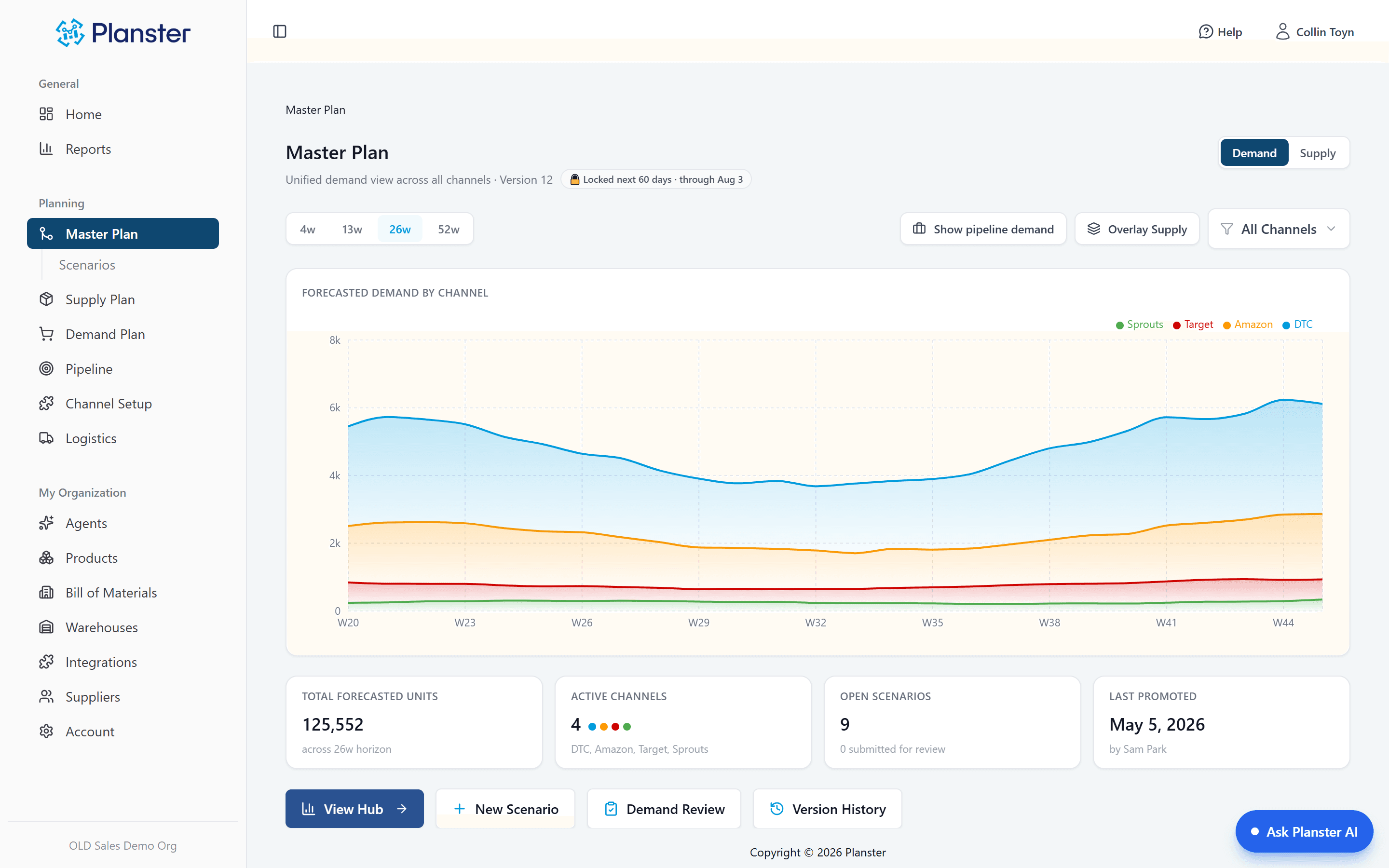
Master Plan
Model a change as a scenario over live demand. Planster runs it through the same ordering calculation as the live plan: which orders move, and how much cash it pulls forward. Approve it with cell-level history, and roll it back exactly.
Explore Master Plan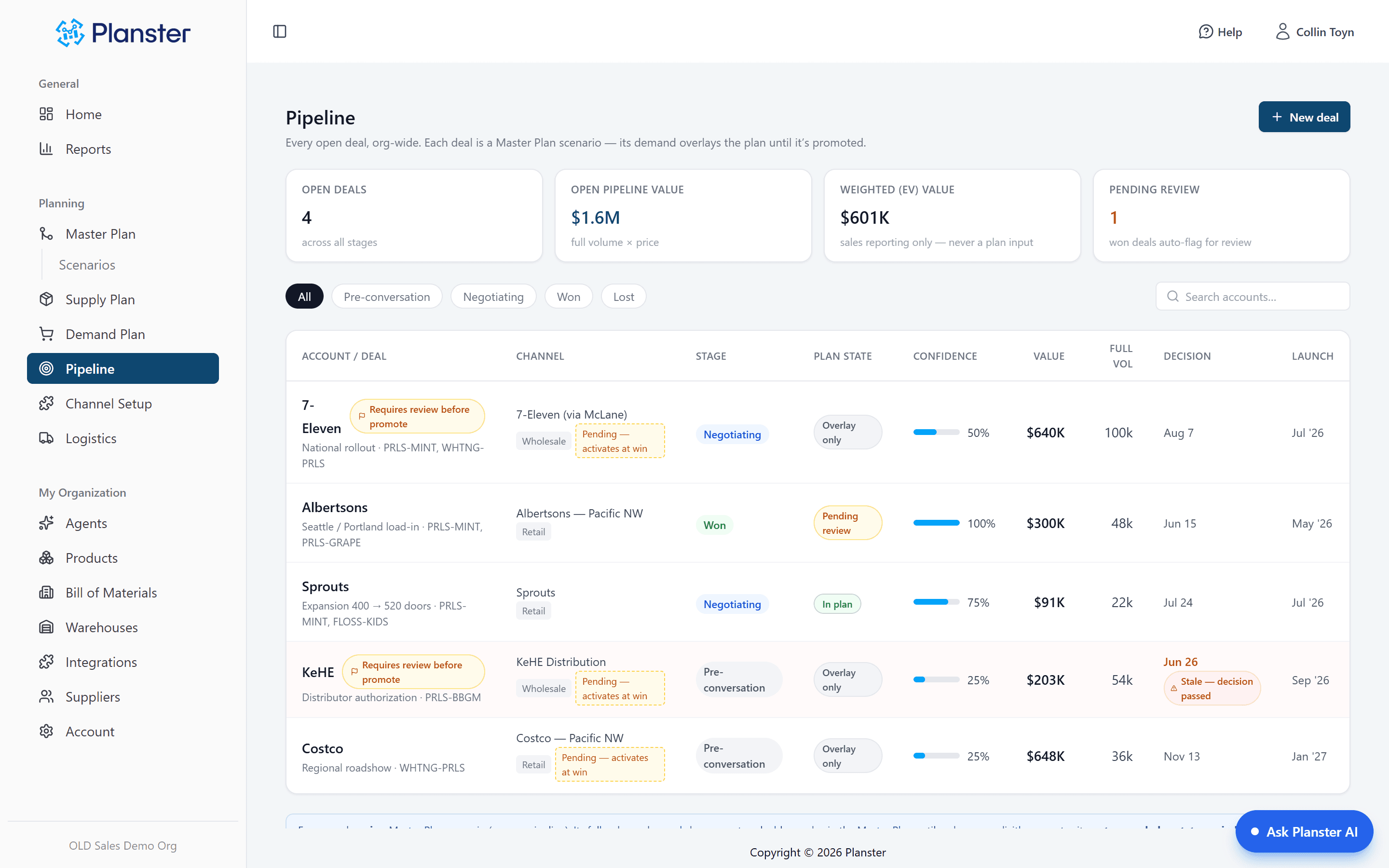
Pipeline
Retail deals go into the demand plan at full volume, shaped the way retail launches sell, with the week you have to order by and the cash at risk if the deal falls through.
Explore Pipeline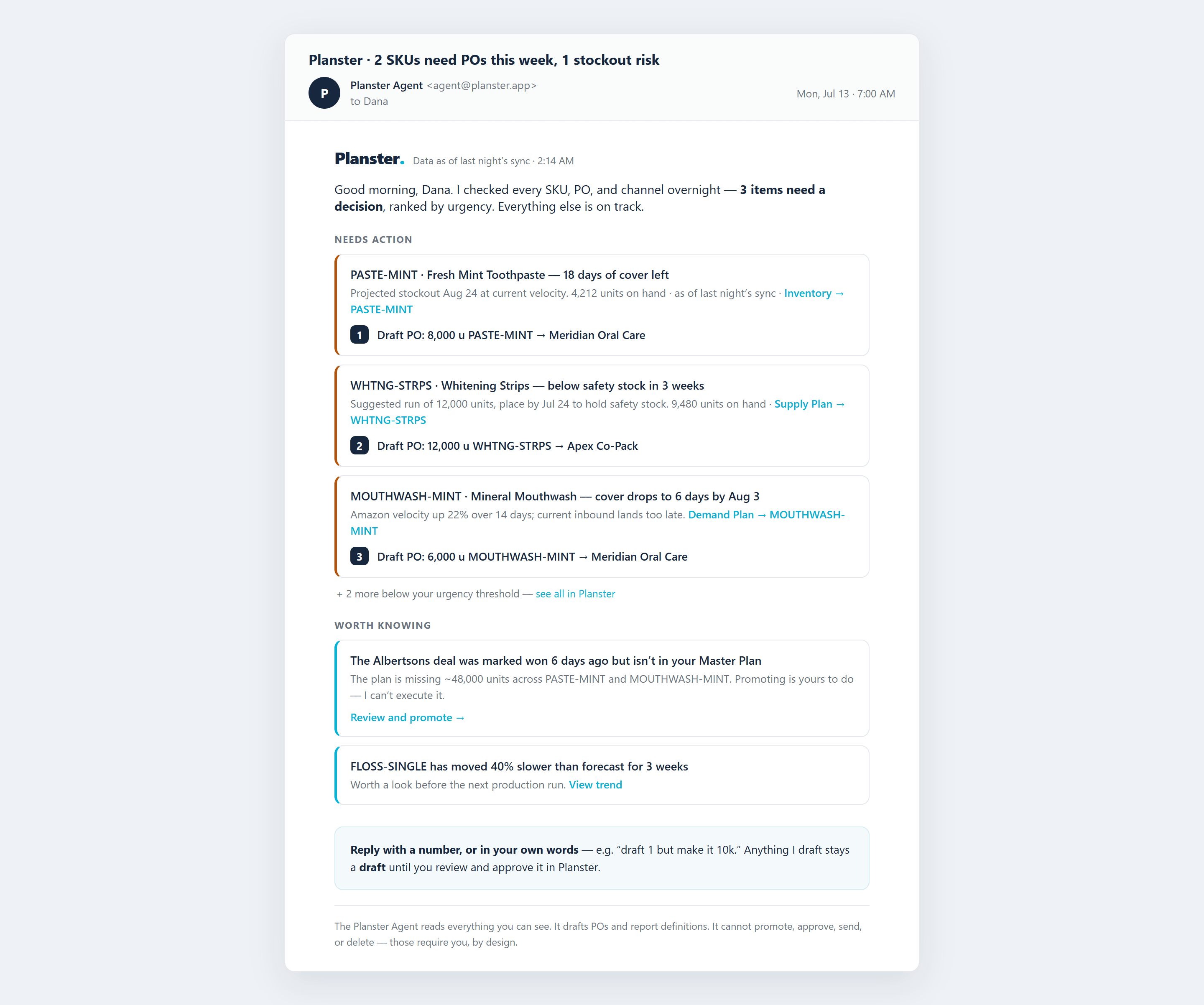
Agents
Every SKU, order and channel re-checked overnight. A short ranked email each morning with the purchase orders drafted. Ask a question and the answer links to the screen it came from.
Explore The AgentScale and access
- SKUs
- Unlimited
- Team members
- Unlimited, no file conflicts
- Warehouses and 3PLs
- Unlimited, planned per location
- Forecast horizon
- 12 to 18 months, rolling
- History needed
- About 52 weeks before a SKU can be forecast
- Data refresh
- Warehouse 11pm · cart 7pm · forecasts 7am
Roles are Admin, Planner, and Viewer. Plan is $999 a month, with unlimited users.
Reporting is custom. There’s no report library.
You build the reports you need, and the agent can draft report definitions for you. What Planster does not have is a catalogue of prebuilt reports to pick from.
If a shelf of canned reports is what you are shopping for, some competitors have one. Inventory Planner is the obvious example, and that is a real reason to choose it.
What stays with your team
Planster drafts purchase orders and flags what needs a decision. It cannot approve an order, send anything to a supplier, or change a plan without a person approving it.
See it against your own numbers
Connect your ERP, warehouses and sales channels and get a real plan. Most teams have their first ranked list on day one.