From the recommendation to the dock, in one place.
Adjust the quantities you want to adjust, place the order from Planster, and track it by status until it lands. The inbound quantity then counts toward your position automatically, because it is the same system.
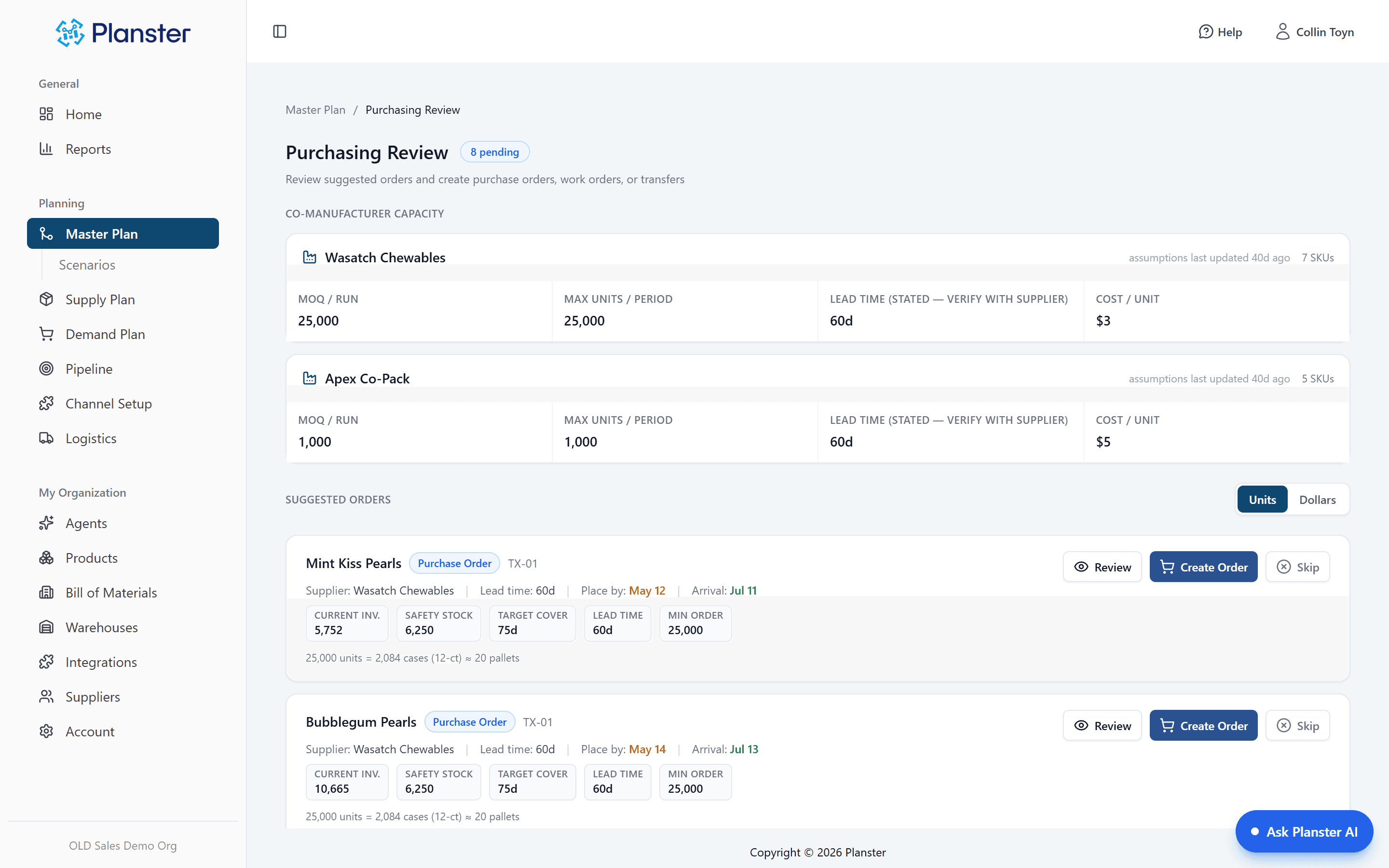
Edit before you commit
The recommended quantity is a starting point, not a mandate. Round it to a container, push it a week, split it across two suppliers. What you send is what you approved.
Tracked by status to delivery
Inbound shipments carry a status the whole way through. "On order" stops being a date in someone’s calendar and becomes a quantity the plan is already counting.
On order counts toward your position
Because the order was placed here, it is netted into inventory position immediately — on hand, plus on order, minus committed. No second spreadsheet tracking what is in transit.
What the agent does with purchase orders
Every night
Every item on the morning list that needs a purchase order already has one drafted against it, waiting in the app. You change what you want changed and approve.
What it can’t do
It cannot approve an order and it cannot send anything to a supplier. No setting changes that, which means the worst case is a draft you delete.
Two decisions, ten minutes
The digest flags a mint SKU: 18 days of cover, stockout projected for late August. She asks what is driving it and gets Amazon velocity up 40% for three straight weeks, with a link to the screen that proves it. At her desk the order is already written. She changes it to 10,000 units and approves it. That is the whole morning.
How it fits together
Every capability runs on the same demand forecast, so each one makes the others more useful.
Reorder recommendations
Where the quantity and the date come from: real demand variability, your service level, your lead times.
Explore Reorder recommendationsBuy the right thingSuppliers
Supplier terms drive the timing, and the contact you send it to lives on the same record.
Explore SuppliersPlace your first order from the plan
See the recommendation, the draft, and the approval in one pass. Nothing reaches a supplier without you.